Lab Top Stories
This lab is to be done on your own.
Create a python program does the following:
Find an RSS XML news feed of your choosing. The news feed must have 5 or more stories.
A good place to start is with CNN RSS. Although you may use any news feed (like NBC, ABC, CBS, etc.)
Part I
- Create a python program named topstories.py.
- Comments at the top of the module with your name, date, and description. 1 point.
- Use urllib.request.urlopen to open the XML feed. 2 point.
- Read in the lines from the response one line at a time.
The lines will be a byte stream. Turn the into strings by using line.decode('utf-8')
. 2 points.
- Check the lines for the data start marker and end markers that you are looking for.
This may vary depending on the news feed that you chose. Put the marker start/stop
values into variables. 2 points.
- Extract the news story headline based on the marker/stop data that you saved into
variables. Print the headline to the screen. 2 points.
- Close the file stream you opened with urllib.request.urlopen. 1 point.
Part II
- Once you have Part I working, complete Part II. This code is also in topstories.py.
You will need to determine where to add the additional code to the existing code from Part I.
- Open a new file named 'stories.html'. 1 point.
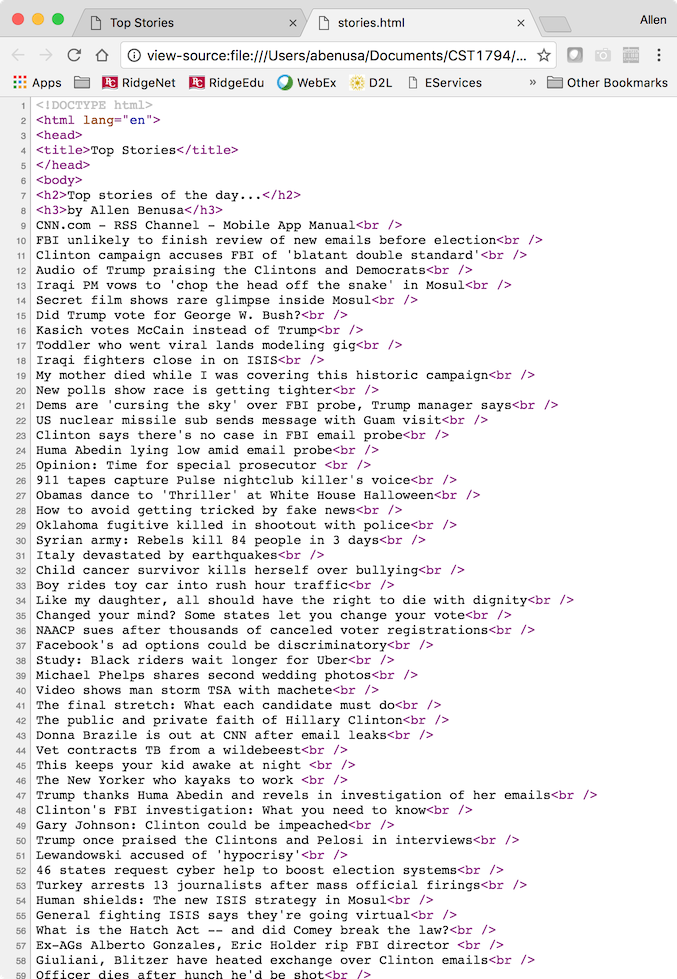
- Write into the file correct structure of an html file, such as the doctype, opening html
, head, title, body tags. 2 points.
- Write the headlines to the html file. Be sure to put a <br /> at the end of each line. 2 points.
- Close the html file with closing body and html tag. 1 point.
- Close the file stream 'stories.html'. 1 point.
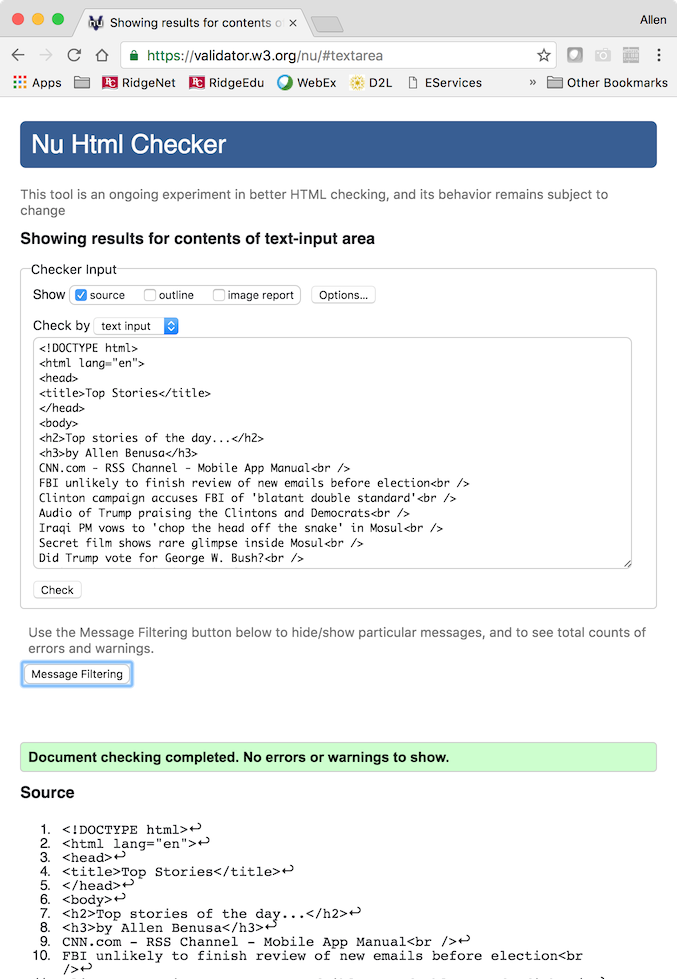
- The code within 'stories.html' must validate correctly. Use the validator at W3C Validator to check. 2 points.
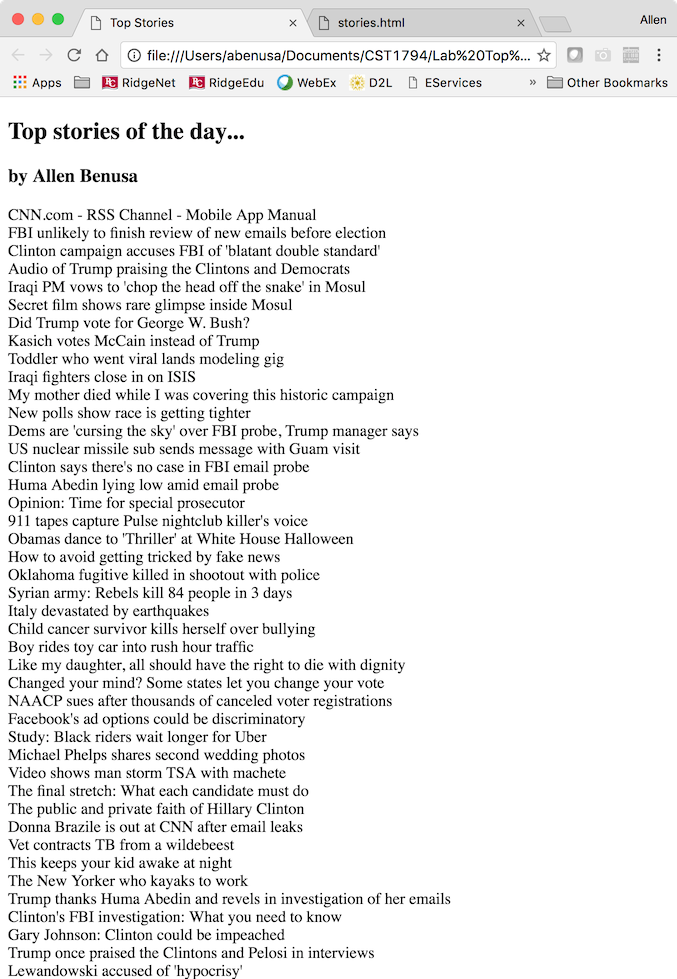
- Open a web browser and display 'stories.html' 1 point.
Submit this lab as a zip file. Inside the zip, submit all these items:
- The topstories.py code file.
- The stories.html file.
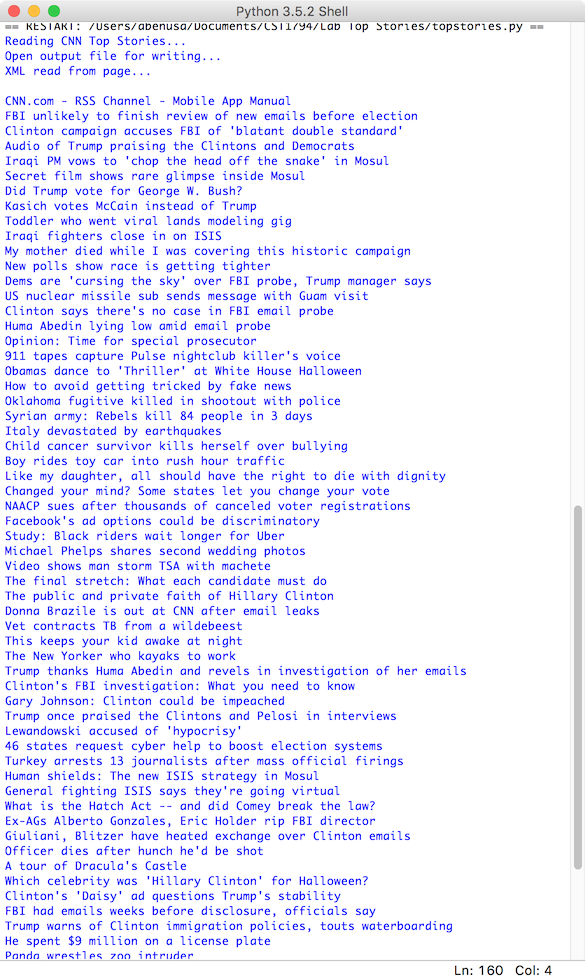
- A screenshot in .jpg or .png format showing the run below as output.
- A screenshot in .jpg or .png format showing stories.html in a web browser.
- A screenshot in .jpg or .png format showing stories.html source code in a web browser.
- A screenshot in .jpg or .png format showing stories.html source code validated in the W3C Validator.
The image below shows an example run of the program.
Be sure to also include the browser window.